
Expected transactions
From scattered commitments to a living view of the next 30 days
- Period:
- 2025–2026
- Platforms:
- Web, iOS, Android
- Role:
- research, product design, design mentorship, specs, qa
Key question
How might we make the near future actionable?
Context
SME owners could see today’s balance, but future cash was fragmented across invoices, bills, direct debits, subscriptions, transfers, financing, and spreadsheets. Qonto already held many of those signals; the opportunity was to turn them into a coherent, trustworthy view, informing next payment decisions.
Assemble
Bring future commitments together
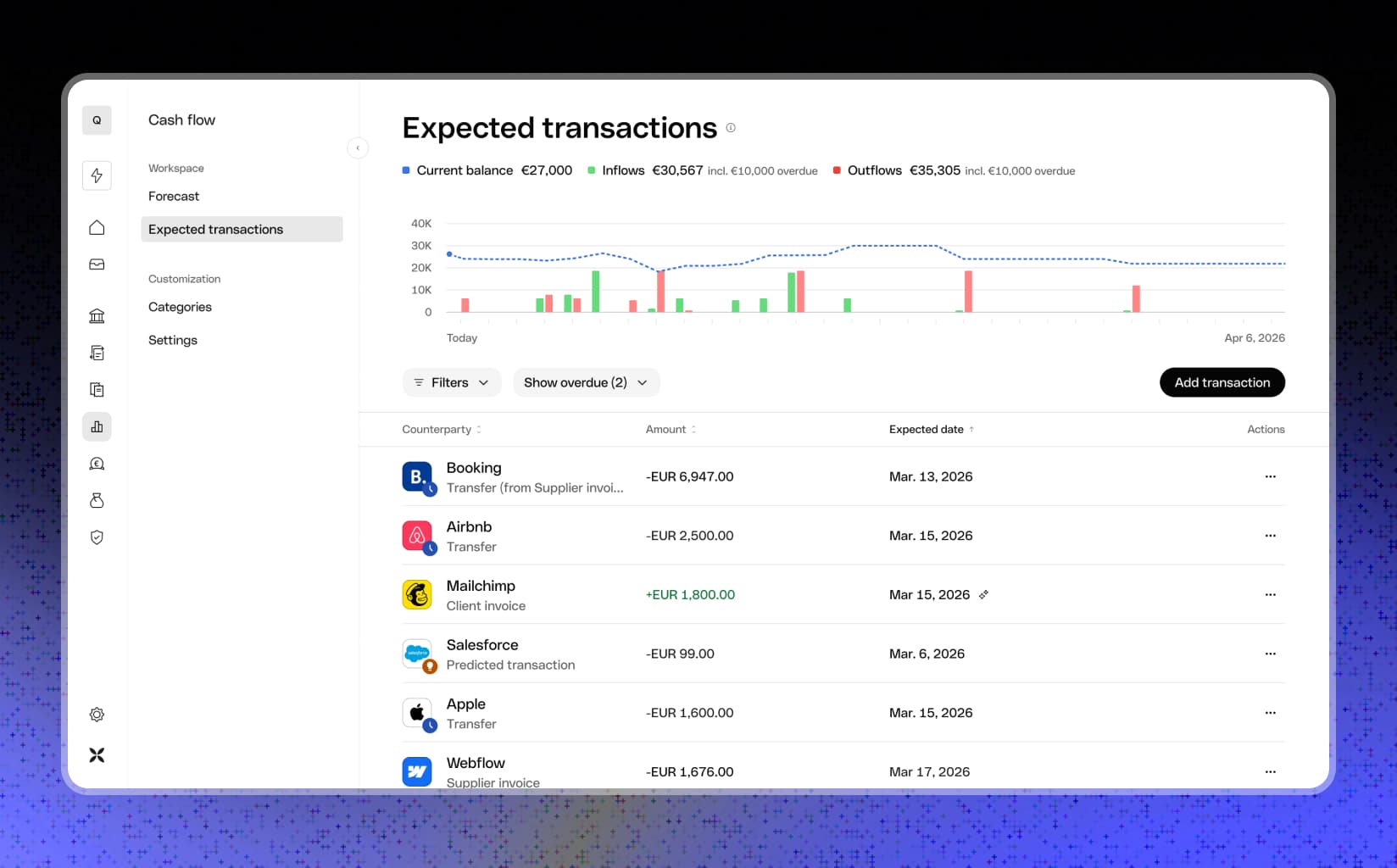
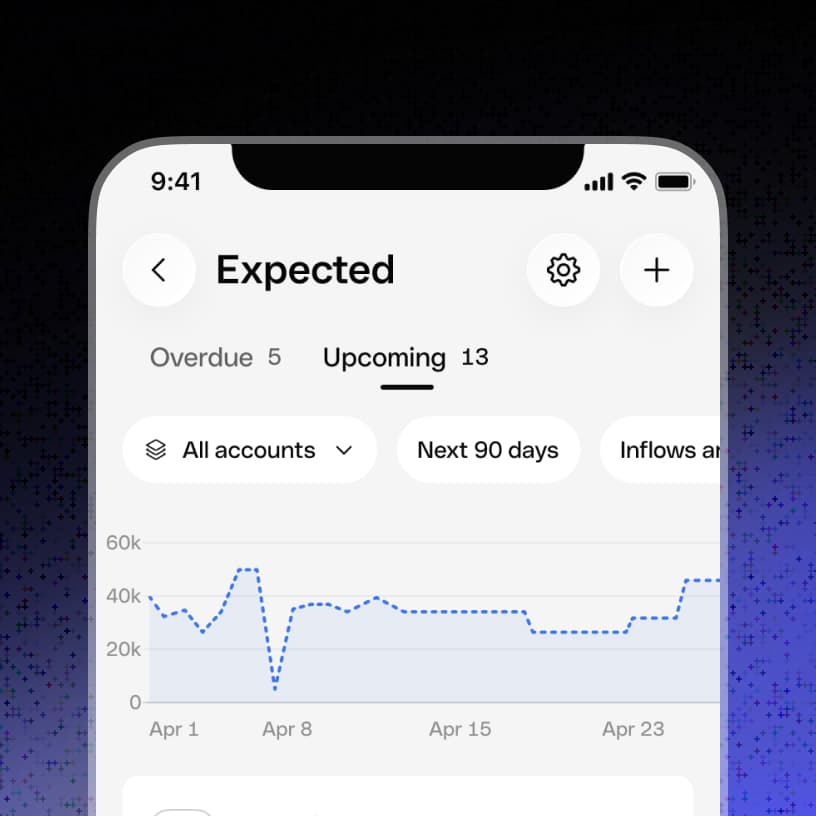
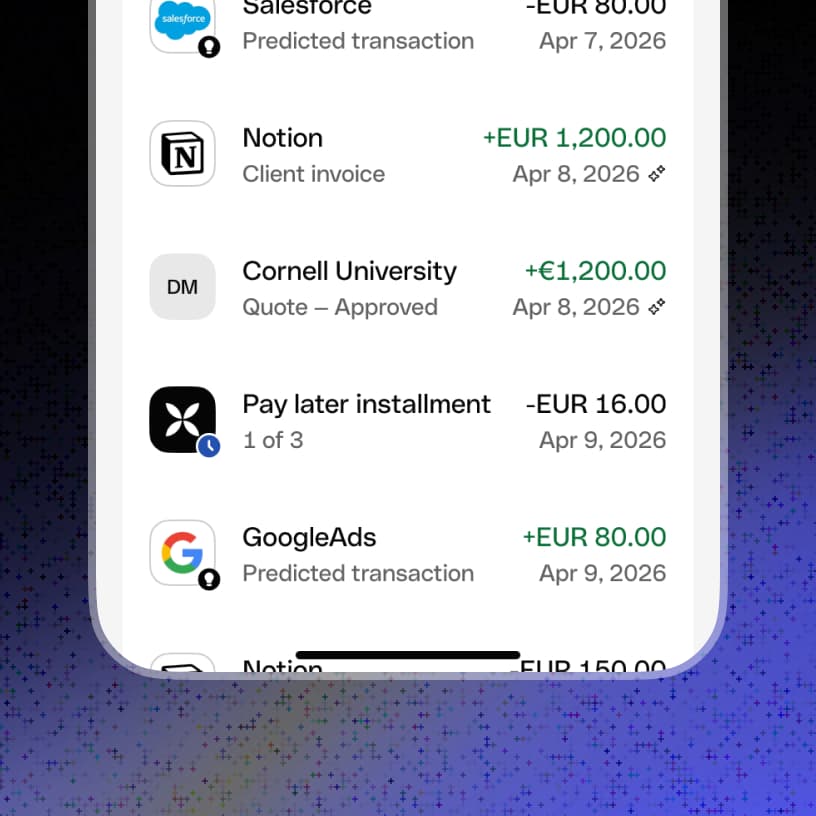
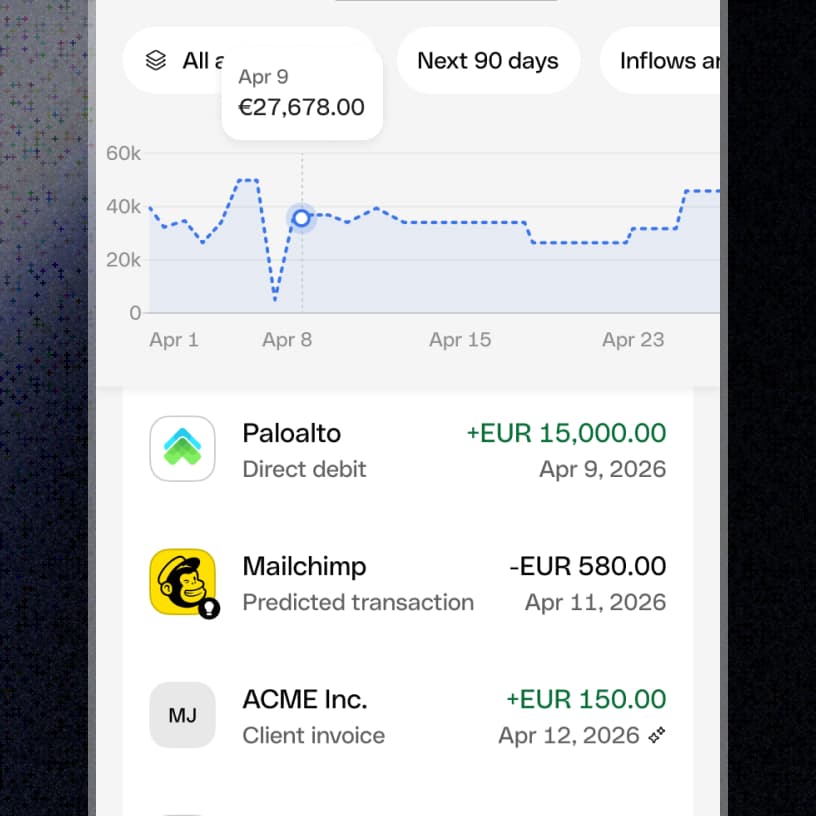
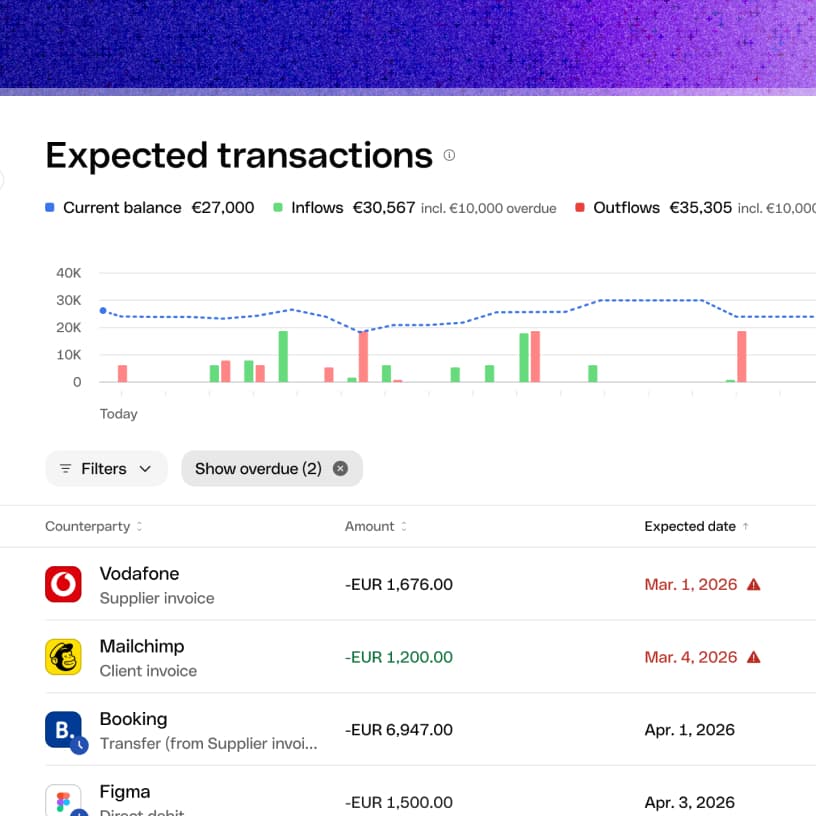
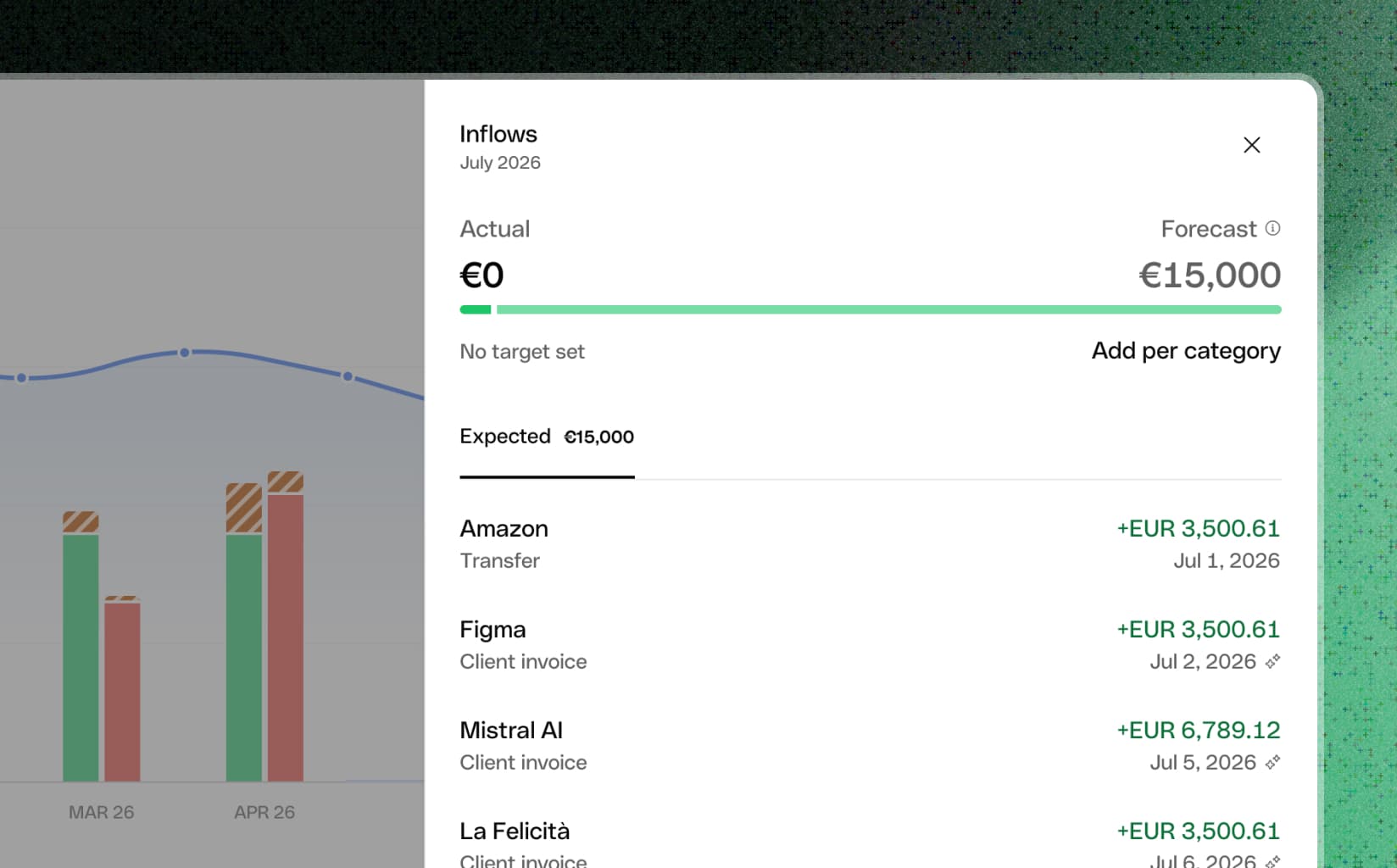
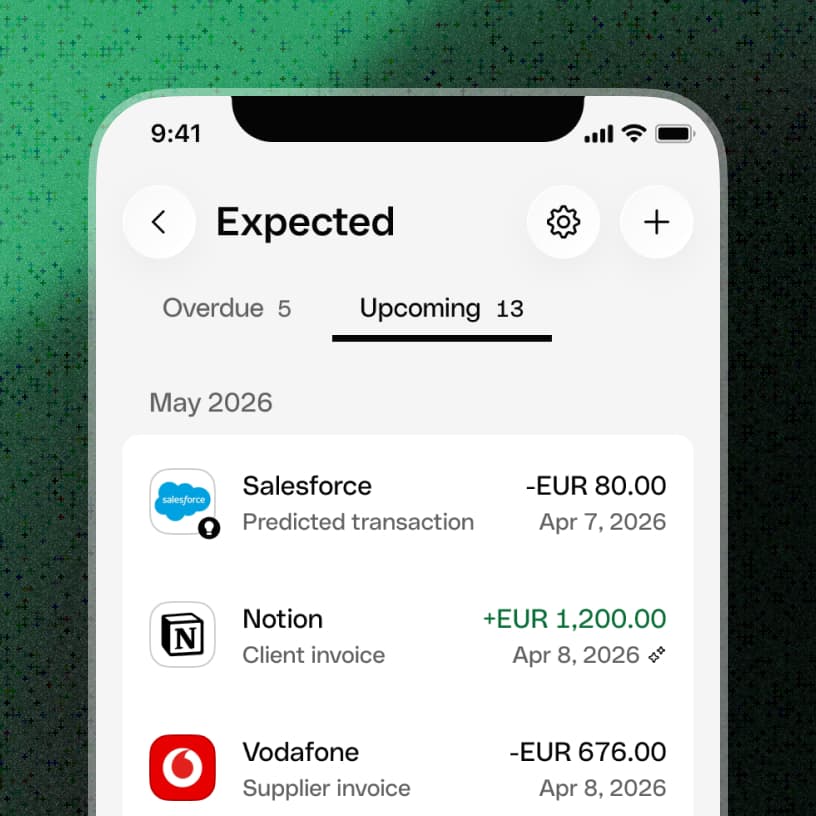
Expected Transactions consolidates invoices, bills, direct debits, subscriptions, scheduled transfers, financing instalments, and manual entries into one view.
Understand
Show the impact on cash
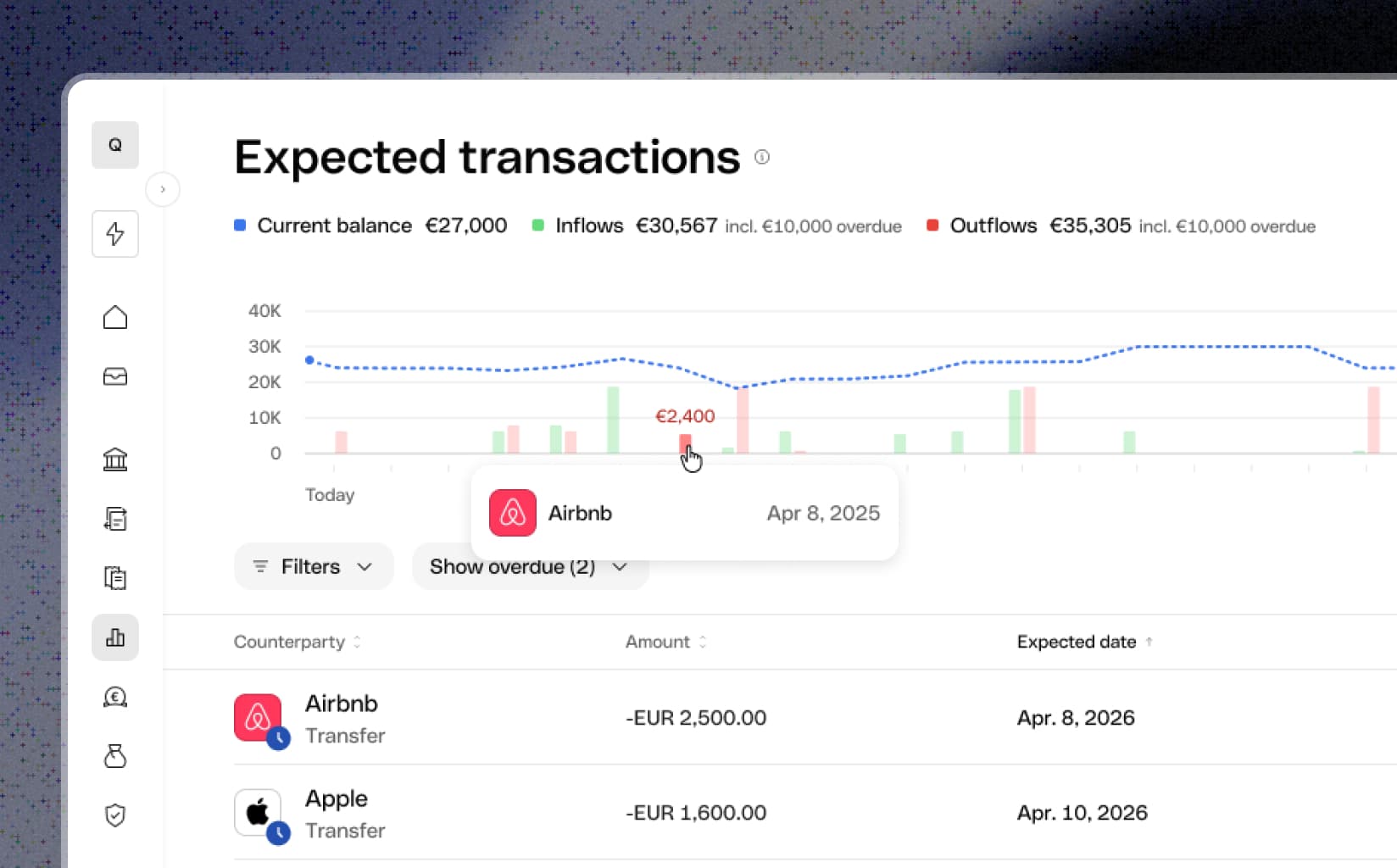
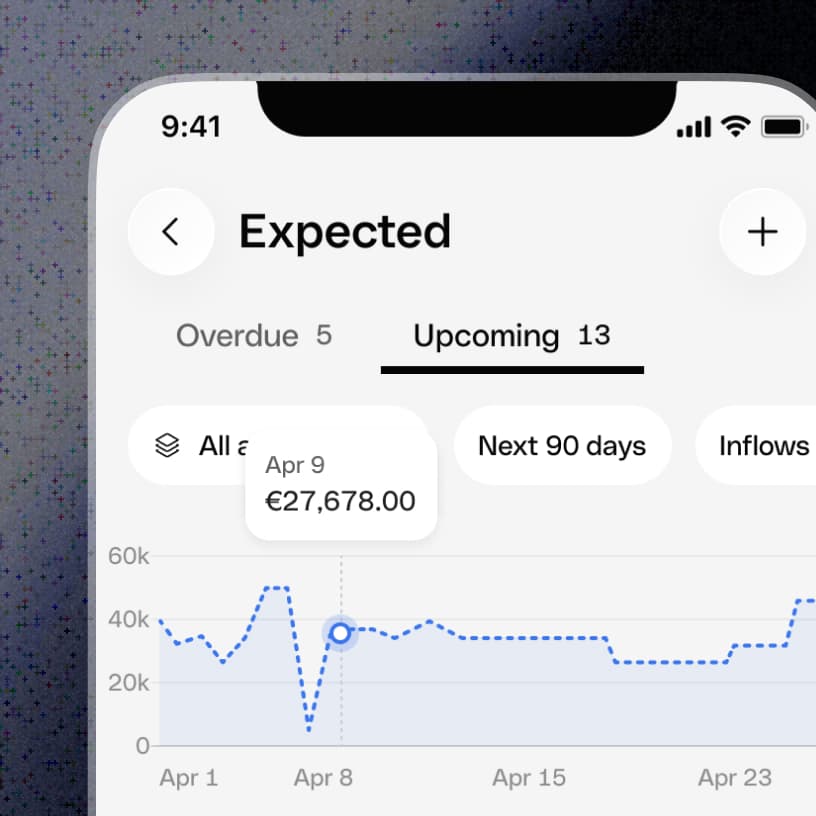
A 30/90-day chart and projected balance connect individual commitments to the overall trajectory. Chart and list remain synchronised so customers can move from shape to detail.
Act
Unload the future, decide with confidence
This screen is not about “keeping it clean.” It is a place to offload what is coming next and turn it into decisions.
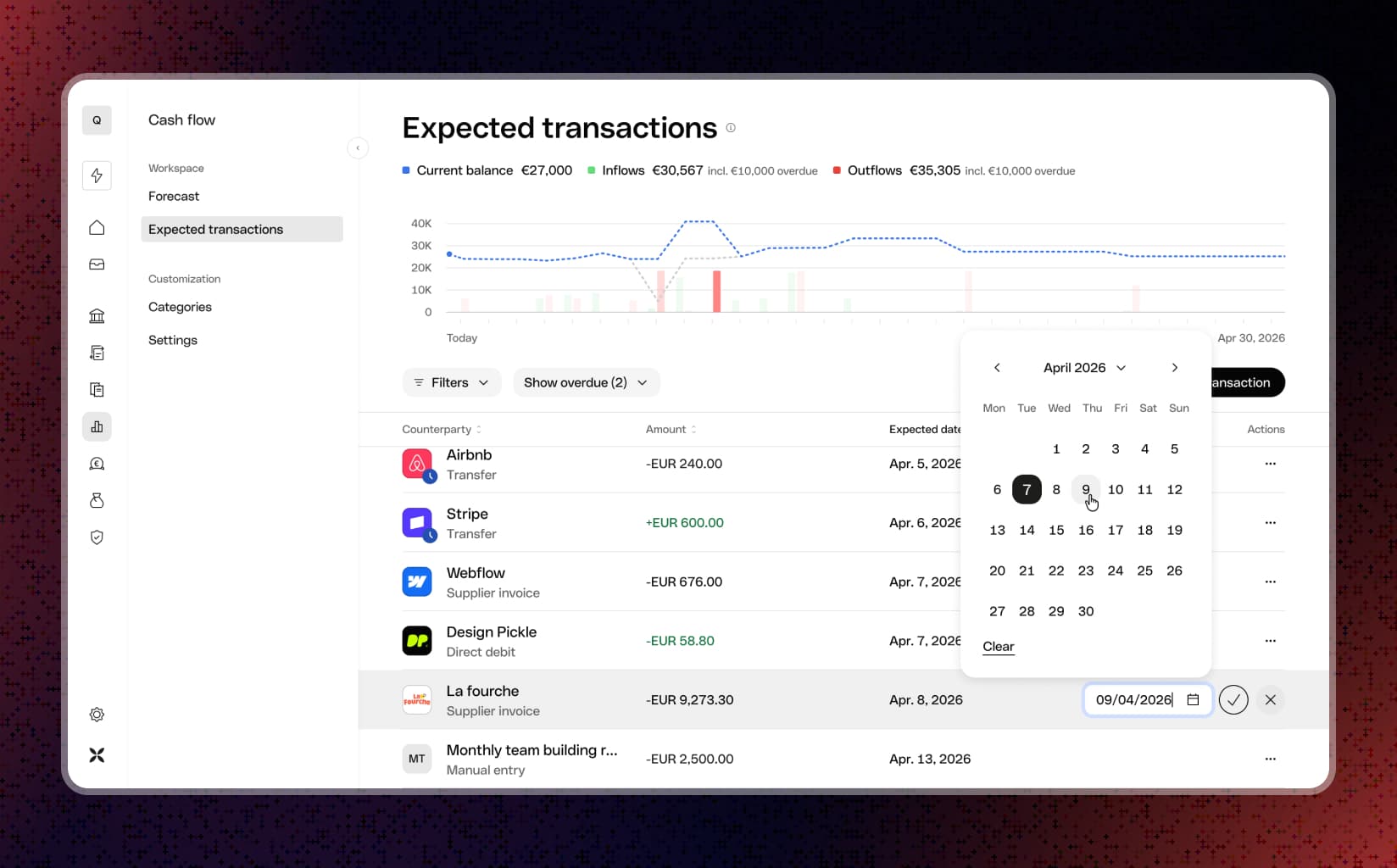
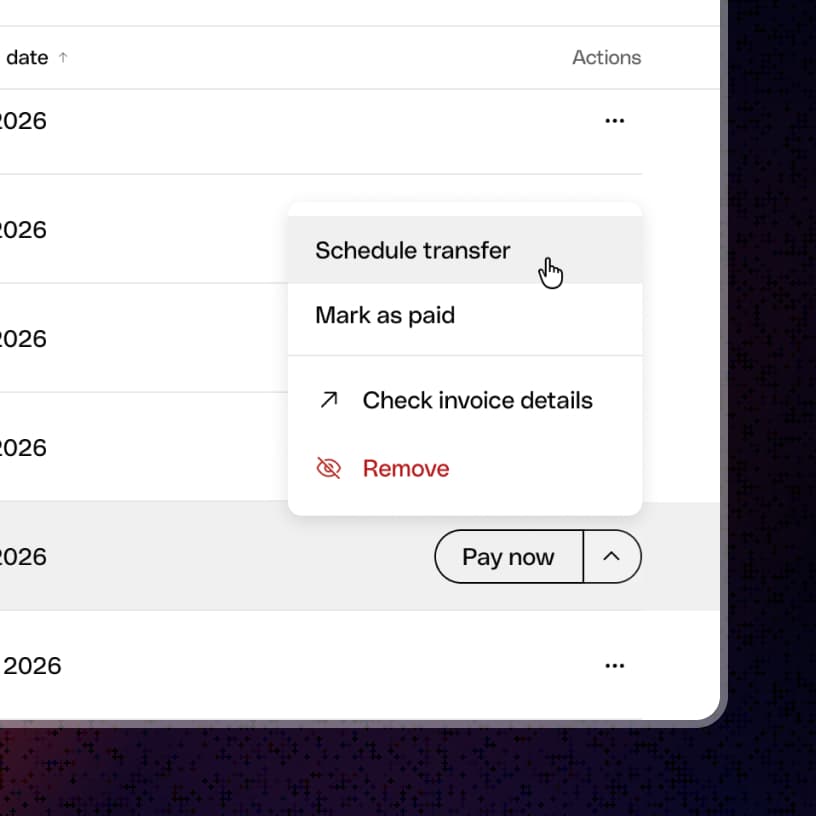
- Choosing when to pay a bill: schedule it and preview how each timing option affects the projected balance.
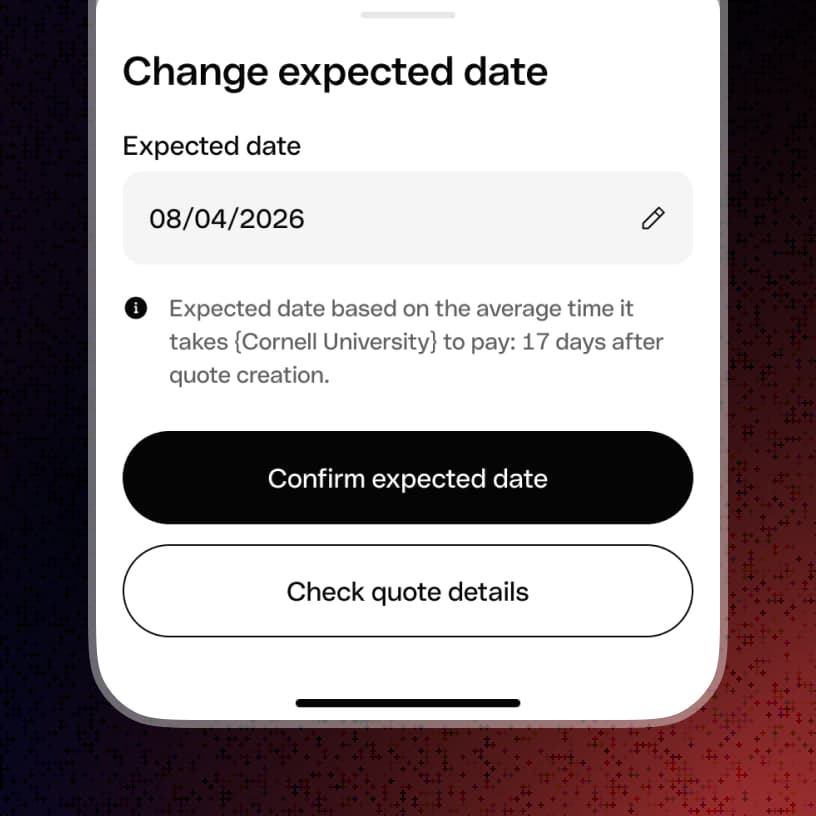
- A client will pay late: reflect the new expected date so your near-future view stays true to reality.
Control
Automation with oversight
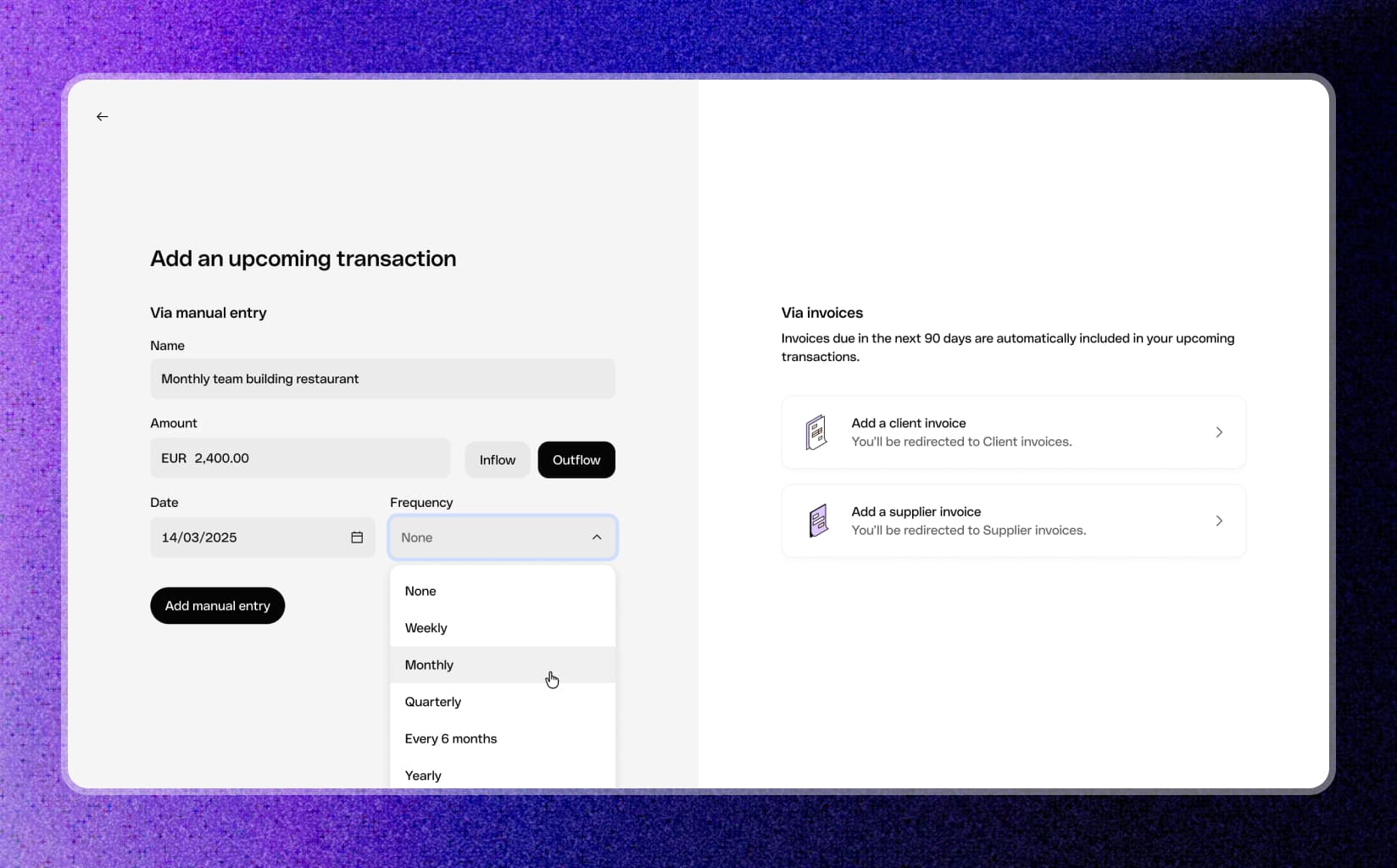
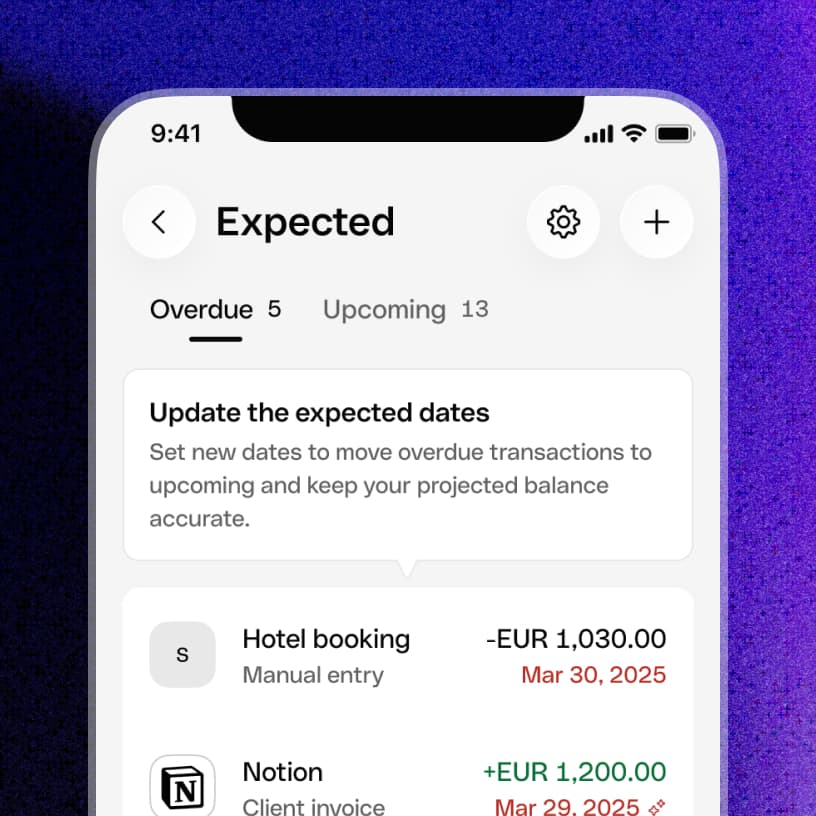
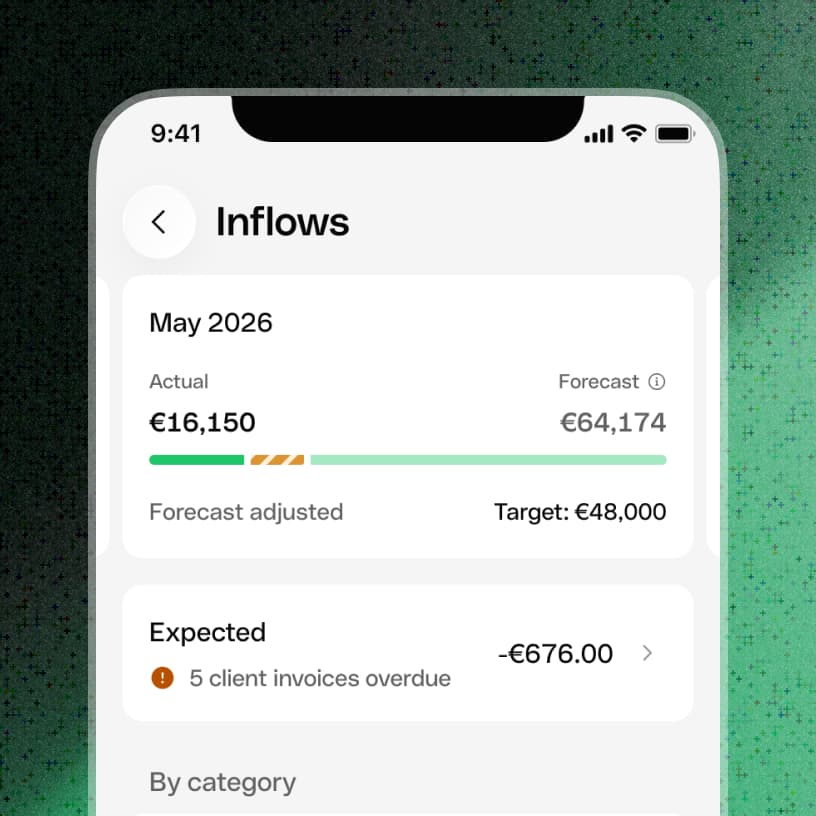
The system assembles the first picture, then gives customers the levers to make it true: add missing items, edit dates and recurrence, hide noisy sources, and manage overdue separately—kept out of the default timeline, but always reachable via its own filter and counter.
Plan
Connect live reality to intent
Expected now sits beside Actual, Overdue, Target, and Forecast. Customers can see not only what is coming, but whether it supports or threatens their plan.
Adoption growth
Monthly active organisations went from 21,480 (Sep 25) to 88,037 orgs (Jul 26)
Discovery to usage
Went from 22,1% (Sep 25) to 73,0% (Jul 26)
Retention month over month
Of active organizations return the following month
How to push further
Be transparent towards prediction expectations
The value comes from assembling what Qonto knows; trust comes from showing confidence, preserving control, and making every item’s transition into reality understandable. But expressing candidly what are the Qonto current boundaries is not only mitigating the delivered promise, but is a first guidance on what our users might to add to reach a good enough accuracy.